
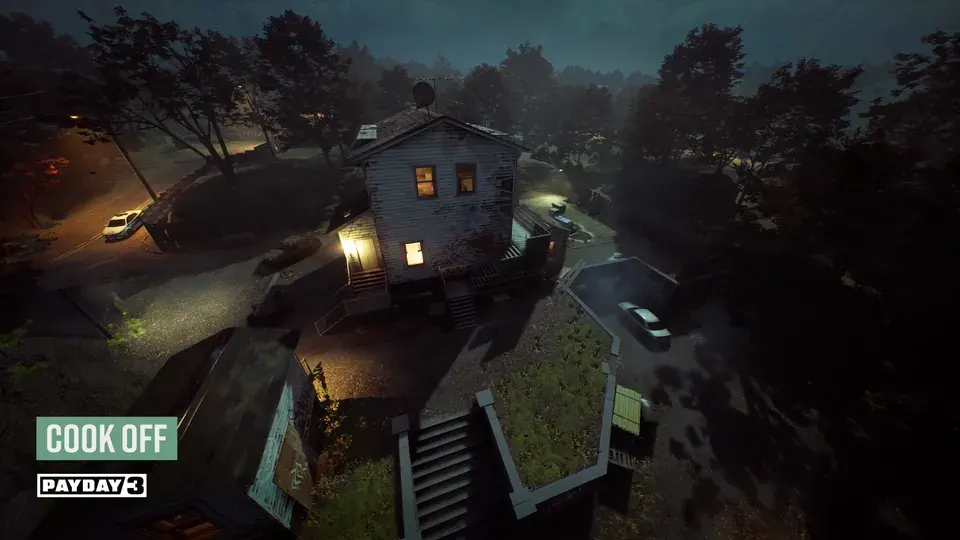
PAYDAY 3 Cook Off is a loud-only Legacy Heist where you follow Shade's in-game directions at the station, bag the output and take it to the marked escape van. Start by securing the minimum shown in the mission HUD and finish the run once the escape opens. Update 3.8 removed the old 19-bag limit, so a crew can keep going after meeting the escape requirement as long as it can handle the waves and resupply.
Find the active station and stock up
Select Cook Off from the heist list and watch the first objective marker when you load into the house. Follow the marker to the station, then identify the closest available mission pickups and how you will get back to the station when a new prompt appears. This leaves you with a short loop from pickups to the station and then to the place you're holding bags, with less time spent following old map screenshots. For a first clear, play at a difficulty where you can read the prompts and move between rooms before the next wave reaches you. Legacy Heist overview · Cook Off rework
The safe way to handle the station is to wait for Shade's current callout, match it to the interaction text in front of you and perform only the requested action. After each interaction, look for the next objective or callout before touching anything again. When a bag becomes available, have whoever is watching the station check its state before they commit to collecting it, especially if you're attempting the quality challenge. Two people acting on the same line of dialogue make it easier to lose track of which interaction the next prompt is asking for.
Keep the three types of on-screen pickup in your inventory when they are available, and match the requested item label exactly to Shade's current prompt. The callouts choose the order for the current batch, so a sequence written down from a different run is a poor shortcut. If a voice line is drowned out, check the subtitles and wait for a clear game cue before choosing a station interaction.
How to tell when a bag is ready
Use the station's on-screen message and its visual cues together, especially when the dialogue is hard to hear over the assault. If your goal is a quick clear, follow the normal availability prompt and focus on getting the bags registered at the van. If your goal is a perfect bag, wait for the in-game quality cue and collect during that window, before the station advances past it. Older guides give exact timers and sometimes describe a specific Favor, while the current station state gives you the information you need on that attempt.
Kiss the Chef is the challenge behind many references to 19 bags. When Starbreeze introduced it, the requirement was to secure 19 perfectly cooked bags on Overkill for a weapon charm. The general 19-bag ceiling was removed later, in Update 3.8, so reaching 19 and being able to keep playing can both be true. Check the current challenge text and difficulty before starting a long run for the reward. Original challenge · Bag limit removal
Get more supplies without losing track of the wave
When the starting pickups run low, follow the live resupply marker and wait for Bile's delivery when the objective calls for it. Avoid sending everyone to look for supplies at once, because the person at the station still needs to track the active prompt and somebody needs to keep the route back usable. If the marker is unclear, check the current objective text and inventory first, then trace the outside path marked for your run. Old descriptions of Bile's delay or Favor effects can give useful context, but the current marker and interface tell you when the delivery is actually ready.
Use the assault display to decide when the crew can move bags or go out for pickups. When the wave is active, keep a player close enough to finish the station interaction, and move when the route is quiet enough to make the round trip. A solo player can work through the same jobs in sequence, returning to the station between trips instead of leaving a quality-sensitive bag unattended. As a group, trade roles before resources run low so the station operator can see the exit and the runners know whether a bag is waiting. Builds for loud heists
What if the station loses power?
A post-rework player account describes the police cutting power during a run, which stops progress at the station until a player restores it. If the objective changes to restoring power, follow that marker, then head back and check which station interaction the HUD currently asks for. Send the closest available teammate if someone is waiting to collect a bag, and use the same order when you play solo. Post-rework gameplay account
Secure the bags and exit at the van
The same account documents a three-bag minimum on Normal, Hard and Very Hard. Use your own HUD as the authority for the active run, especially with a challenge selected. After the quota, the getaway may still need to return before you can move the last bags and extract.
Watch the mission counter as bags go into the marked secure point. A bag on the floor next to the van or in another player's hands is still in transit, so check the HUD before counting it toward the exit. Once you've met the required minimum, choose whether you're staying or leaving and tell the crew before anyone steps into the live escape zone. Follow the current escape marker rather than memorizing a position or assuming the van will remain available on the same timing as an older version.
If you've decided to leave, get the remaining bags you want into the secure point, call everyone to the marker and stay until the results screen appears. If you're staying, pick a holding spot away from the active escape so that someone returning with a bag does not end the session by surprise. A player reported an accidental solo extraction after being moved into the zone during a post-rework run, which is a good reason to pay attention to where the exit begins. The results screen is where you can confirm the actual reward for the bags you secured. Post-rework escape report
What to do when a run goes off plan
If the station registers the wrong action or the bag misses the desired quality, check the HUD to see which objectives are still available. When the game still permits a regular completion, decide whether to secure the bags you have or restart for a challenge streak that needs every bag at the right quality. If the current quota is complete and the team has lost its margin for the next wave, use the exit rather than finishing another cycle by habit. For a repeatable solo clear, learn the minimum route at a lower difficulty and raise it once you can reliably register the bags and leave.
When extra bags are worth the time
The rework means you can stay for more bags, and it also raised how much the game can show on the estimated payout display. Read that estimate as a cash display and use the final results to see how much Infamy your account actually gained. Players have reported that longer runs eventually kept adding cash without increasing Infamy, but a shared current test across difficulties is required to put a reliable number on that behavior. If you are farming levels, check a short clear and a longer attempt at the same difficulty, including restarts and extraction time, before making Cook Off your regular route. Rework notes · Player results discussion